How to Build a Smart Home on a Budget: Bulbs, Locks and Alarms
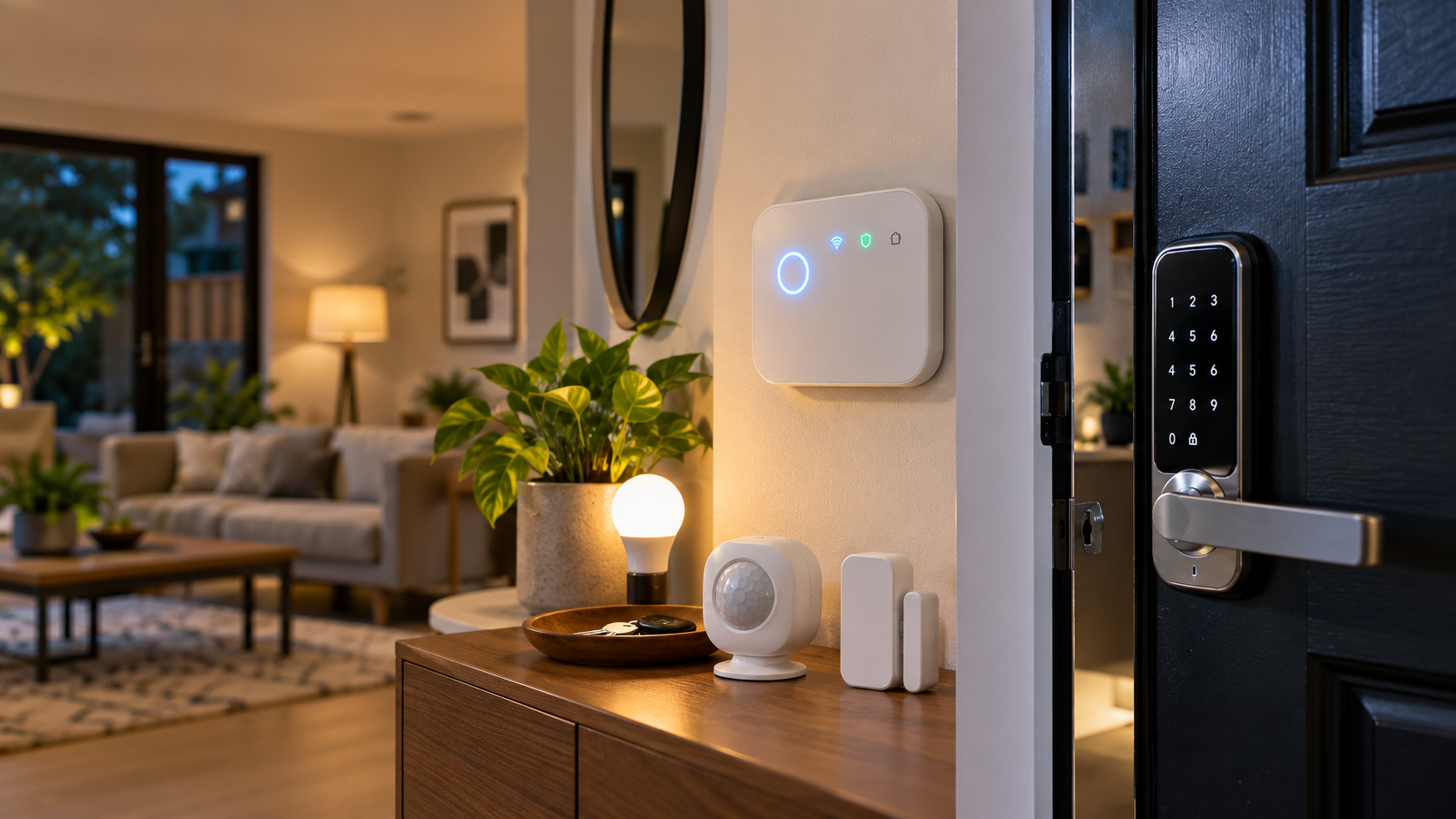
You don’t need a five-figure installation to make your home genuinely smarter. A smart home on a budget really comes down to three building blocks: lighting, access, and security and you can cover all three without spending anywhere near what the glossy showroom demos suggest. Here’s how to build it up piece by piece, starting with whichever one solves your most immediate problem.
The Three Building Blocks of a Budget Smart Home
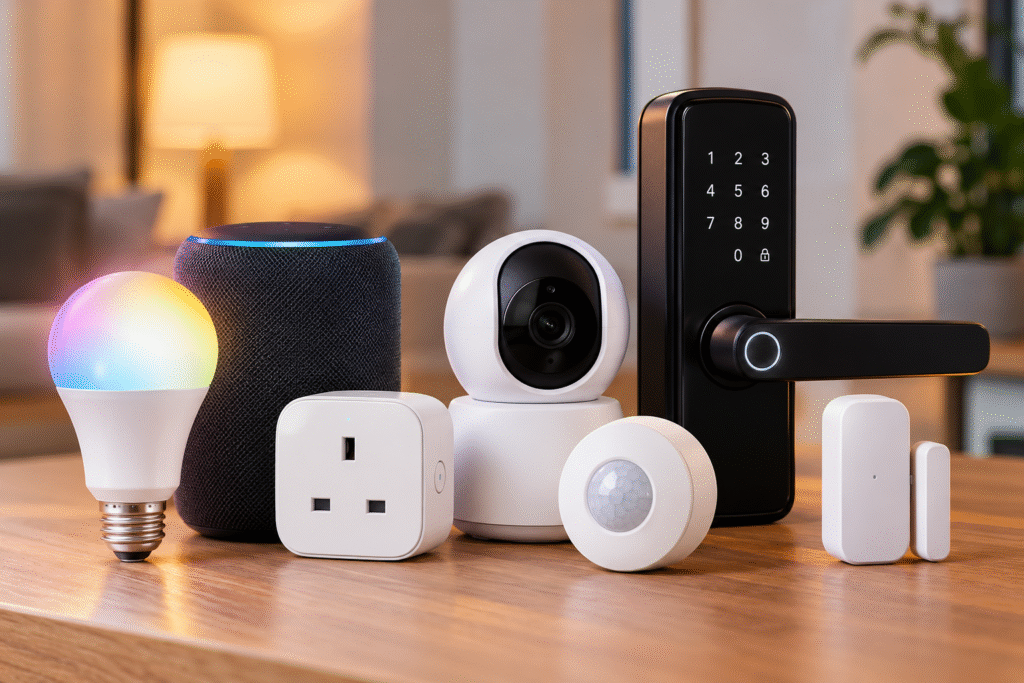
Most smart home starter kits fall into one of three categories, and you genuinely don’t need all three at once:
- Lighting the easiest, cheapest entry point, usually just a bulb swap
- Access smart locks that upgrade your existing door without replacing it
- Security alarms and sensors that watch your home when you’re not there
Start with whichever one actually solves a problem you have today, rather than buying all three because a bundle looks good.
Lighting: Smart Bulbs
This is the cheapest, lowest-commitment way into a smart home, and it’s where most people start. A Philips smart bulb screws straight into an existing fitting with no rewiring, no electrician and gives you app and voice control over brightness, colour, and scheduling in minutes. Set lights to turn on automatically at sunset, dim gradually before bed, or switch to a warm tone for movie nights, all from your phone or by asking Alexa or Google Assistant.
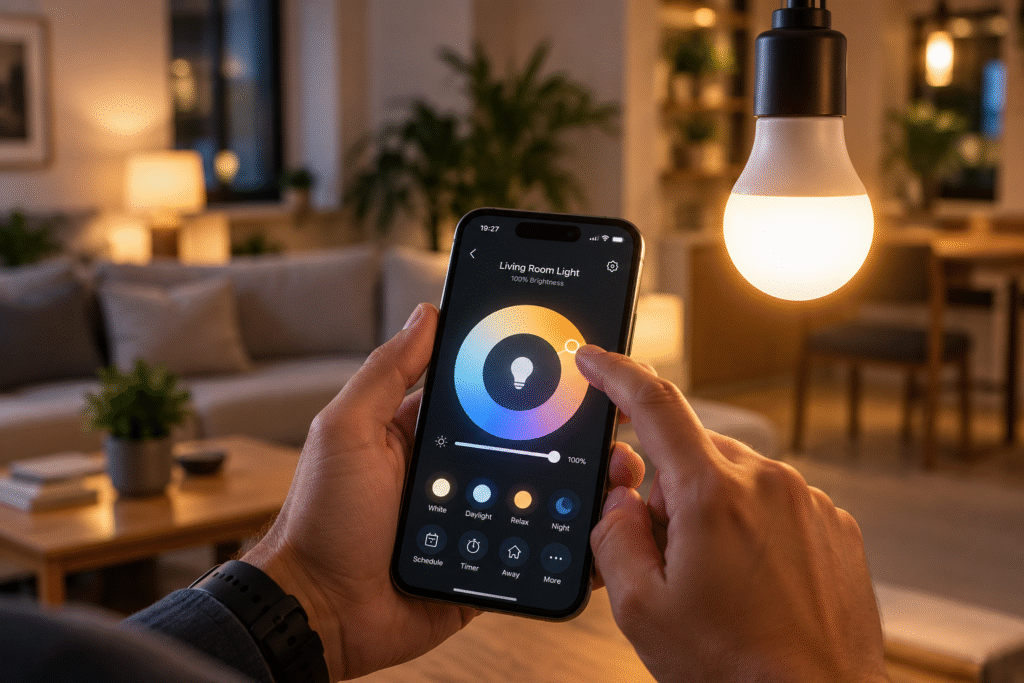
Because it’s just a bulb, it’s also the lowest-risk way to test whether you’ll actually use smart home features day to day before committing to anything that needs proper installation.
“Check the Philips LED Smart Bulb’s current price”
Access: Smart Locks
Once lighting feels second nature, a smart lock is usually the next logical step and it doesn’t have to mean replacing your entire front door hardware. Retrofit options like the SwitchBot Lock fit over your existing deadbolt’s thumb turn, using a small motor to lock and unlock it without modifying the lock itself. That makes it genuinely renter-friendly: you keep your original keys working as a backup, and nothing about the physical lock changes.
Setup typically takes a few minutes with adhesive mounting, no drilling required, and it connects over Bluetooth, with an optional hub and keypad if you want remote access and voice control through Alexa or Google Assistant. For anyone comparing a smart lock UK option that won’t upset a landlord or void a tenancy agreement, this retrofit approach is usually the safest starting point.
“See the SwitchBot Lock’s current price”
Security: Smart Alarms
The final piece is whole-home monitoring, and this is where a kit like the Yale IA-320 comes in. Rather than a single device, it’s a self-contained alarm system: a hub, keypad, two motion sensors, a door/window contact sensor, and both indoor and outdoor sirens, all controllable through one app. It connects to Alexa and Google Assistant, covers a genuinely large 200-metre range (useful if you want to extend coverage to a garage or outbuilding), and runs with no mandatory subscription; everything is self-monitored through the app rather than routed through a paid monitoring service.
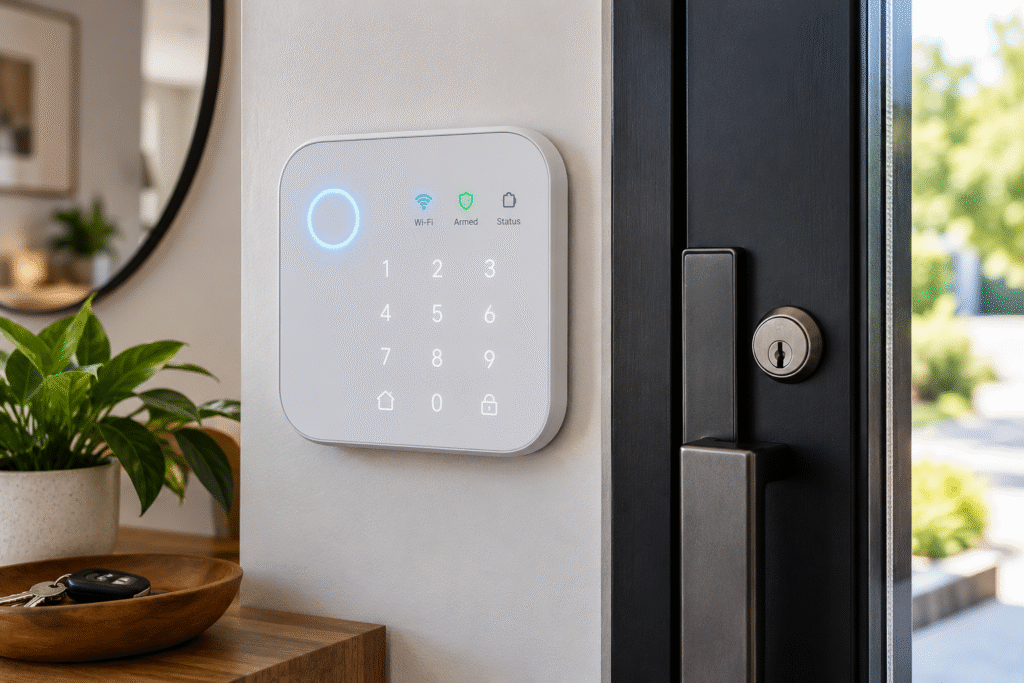
The trade-off is setup: with more components to pair and position than a single bulb or lock, it takes more patience to get right, and there’s no cellular backup if your Wi-Fi goes down. But for whole-home coverage without an ongoing monthly fee, it’s hard to beat on value.
“Check the Yale IA-320’s current price”
Building It Into a Starter Kit
If you’re building a genuine smart home starter kit rather than buying devices one at a time, a sensible order looks like this: start with bulbs to get comfortable with app and voice control, add a smart lock once you trust the ecosystem, then layer in an alarm kit for full coverage. All three of the products above work with both Alexa and Google Assistant, so you’re not locked into a single platform as you expand a genuinely important detail, since mixing brands later is far easier when everything speaks the same smart home language from the start.
| Category | Entry Point | What You Get |
| Lighting | Single smart bulb | App/voice control, scheduling, no installation |
| Access | Retrofit smart lock | Keyless entry, renter-friendly, keeps existing keys |
| Security | Self-monitored alarm kit | Motion + contact sensors, sirens, no subscription |
Final Thoughts
A genuinely useful smart home doesn’t require buying everything at once; it’s built in layers, starting with whatever solves your most immediate problem. A smart bulb gets you started for the price of a takeaway, a retrofit lock adds real convenience without upsetting a landlord, and a self-monitored alarm kit rounds things out with whole-home coverage and no ongoing fees. Add them in that order, on your own timeline, and you’ll end up with a setup that actually gets used which is the real measure of whether a smart home was worth building in the first place.
FAQ
What’s the cheapest way to start a smart home? A single smart bulb is the lowest-cost, lowest-commitment entry point a Philips smart bulb screws into an existing fitting with no installation needed, giving you app and voice control in minutes.
Is a smart lock UK renters can actually use? Yes, provided you go for a retrofit model like the SwitchBot Lock, which fits over your existing deadbolt’s thumb turn without modifying the lock itself, so your original keys still work and nothing changes for your landlord or tenancy agreement.
Do I need a subscription for the Yale IA-320? No, the Yale IA-320 is self-monitored through its app, with no mandatory ongoing subscription, though it does lack cellular backup if your Wi-Fi connection drops.
What should be in a smart home starter kit? A sensible starter kit covers the three core categories: a smart bulb for lighting, a retrofit smart lock for access, and a self-monitored alarm kit for security added in that order as your confidence and budget grow.
Do these devices work together across brands? Yes, the Philips bulb, SwitchBot Lock, and Yale IA-320 all support Alexa and Google Assistant, so you’re not locked into a single ecosystem as you add more devices over time.